ICACT20260199 Slide.20
[Big slide for presentation]
ICACT20260199 Slide.20
[Big slide for presentation]
|
Chrome Text-to-Speach Click!! Click!! |
 |
Thank you for listening
|
|
ICACT20260199 Slide.19
[Big slide for presentation]
|
Chrome Text-to-Speach Click!! |
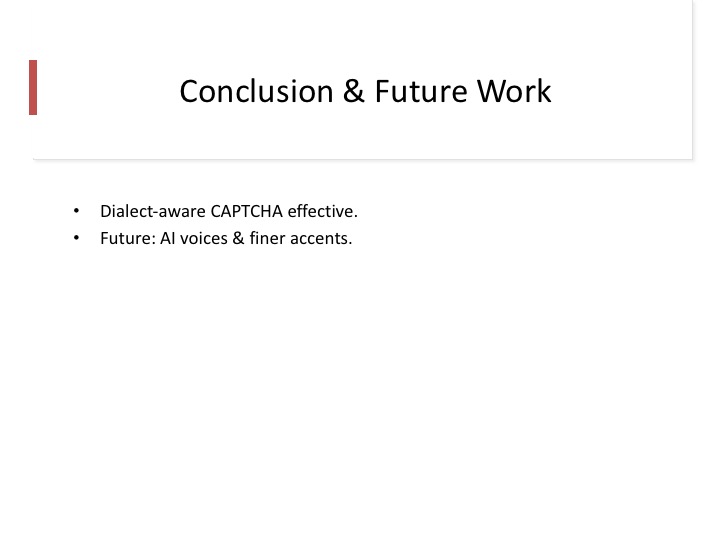 |
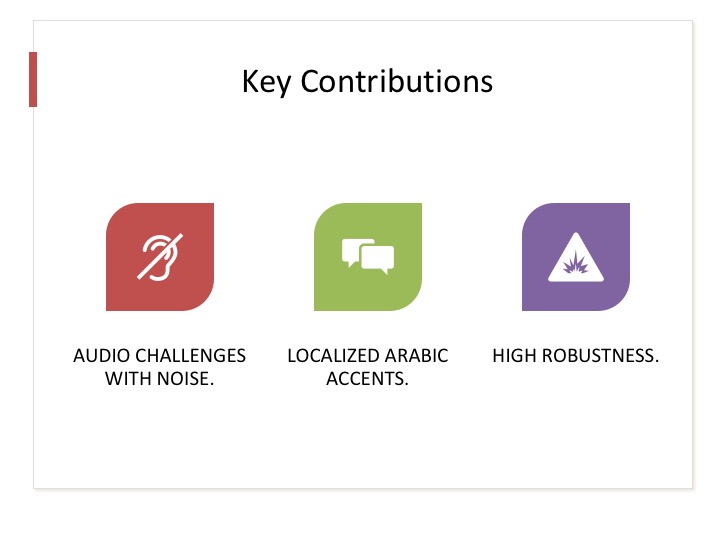
These findings demonstrate that it is possible to balance usability and security while improving accessibility. The use of audio and local dialects significantly enhanced user performance.
In conclusion, the proposed framework successfully improves CAPTCHA accessibility and robustness. Future work includes using AI-generated voices and supporting finer regional dialect variations
|
|
ICACT20260199 Slide.18
[Big slide for presentation]
|
Chrome Text-to-Speach Click!! |
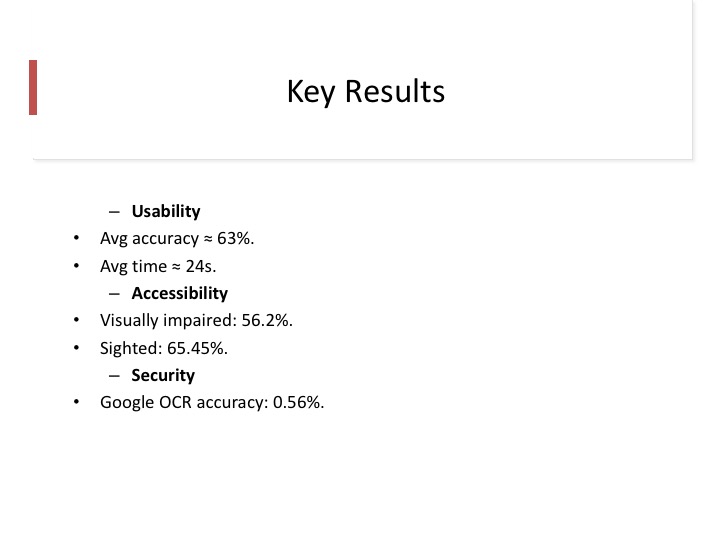 |
The results show an average accuracy of approximately 63 percent, with an average response time of about 24 seconds. OCR attacks achieved only a 0.56 percent success rate, indicating strong security.
|
|
ICACT20260199 Slide.17
[Big slide for presentation]
|
Chrome Text-to-Speach Click!! |
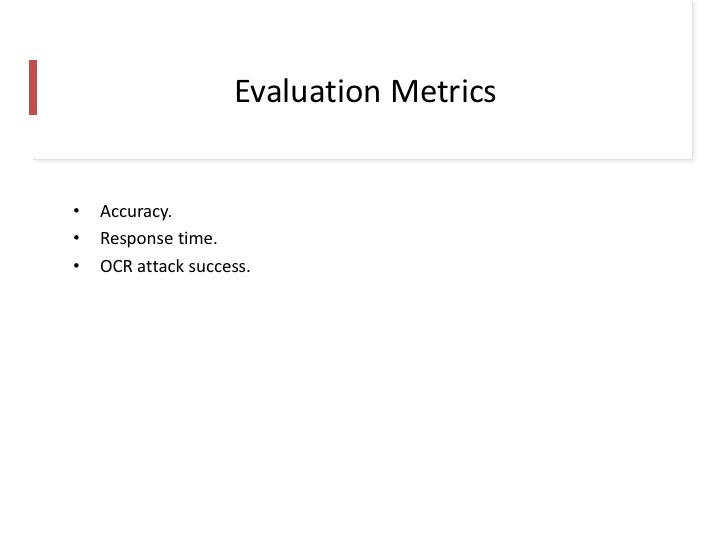 |
The system was evaluated using three main metrics: accuracy, response time, and resistance to OCR-based attacks, which together assess usability, accessibility, and Variability
|
|
ICACT20260199 Slide.16
[Big slide for presentation]
|
Chrome Text-to-Speach Click!! |
 |
The experiment involved participants with normal and visually impaired, from three Arabic-speaking countries: Saudi Arabia, Egypt, and Tunisia.
|
|
ICACT20260199 Slide.15
[Big slide for presentation]
|
Chrome Text-to-Speach Click!! |
 |
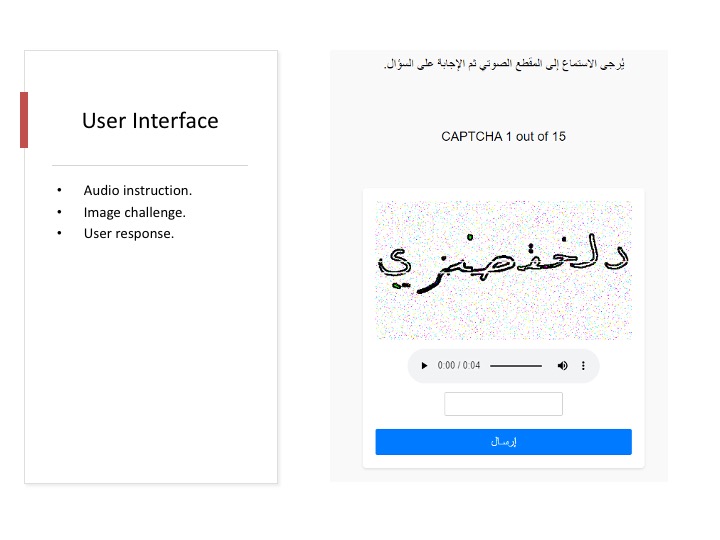
The user interface is web-based and presents both the CAPTCHA image and the corresponding audio challenge. Users listen to the audio, analyze the image, and then submit their response.
|
|
ICACT20260199 Slide.14
[Big slide for presentation]
|
Chrome Text-to-Speach Click!! |
 |
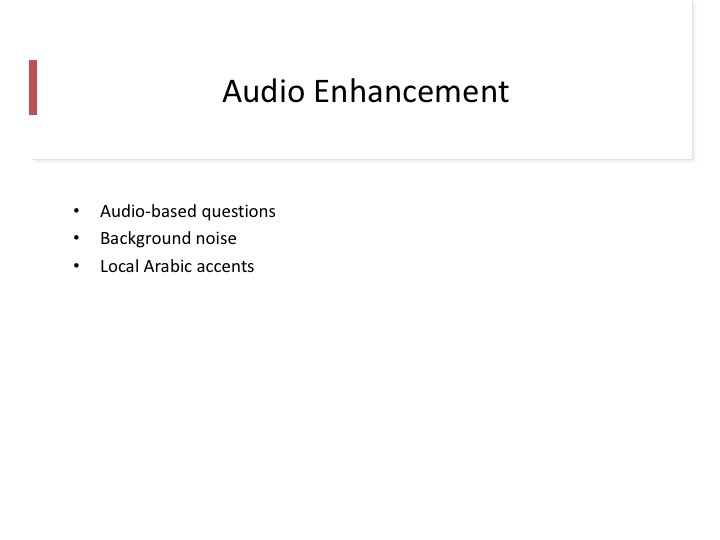
To improve accessibility, audio-based questions are introduced with background noise for security. Importantly, local Arabic accents are used to increase familiarity and ease of understanding.
|
|
ICACT20260199 Slide.13
[Big slide for presentation]
|
Chrome Text-to-Speach Click!! |
 |
Multiple challenge types are used, including binary questions and counting-based challenges. These tasks require human cognitive abilities that are difficult for automated programs to replicate.
|
|
ICACT20260199 Slide.12
[Big slide for presentation]
|
Chrome Text-to-Speach Click!! |
 |
The CAPTCHA samples used are handwritten Arabic words with two different distortion levels. These distortions are carefully designed to reduce OCR success while remaining readable for human users.
|
|
ICACT20260199 Slide.11
[Big slide for presentation]
|
Chrome Text-to-Speach Click!! |
 |
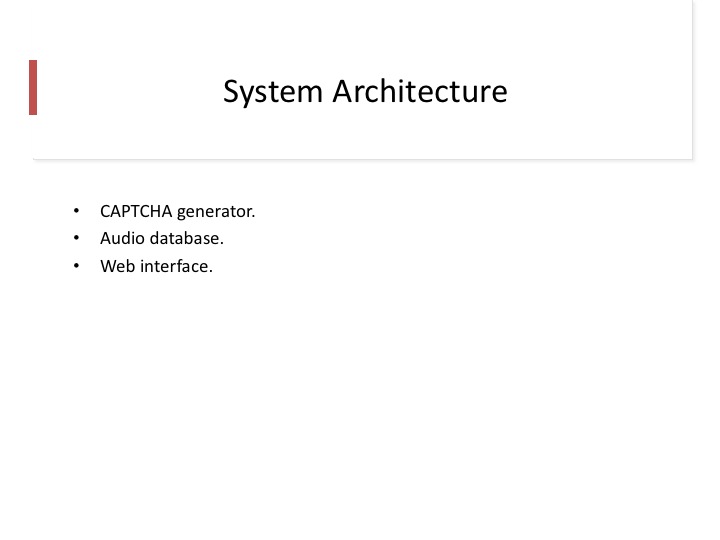
This slide shows the overall system architecture, which consists of a CAPTCHA generator, a challenge pool with varying difficulty levels, and an attack-filtering mechanism to resist automated attacks.
|
|
ICACT20260199 Slide.10
[Big slide for presentation]
|
Chrome Text-to-Speach Click!! |
 |
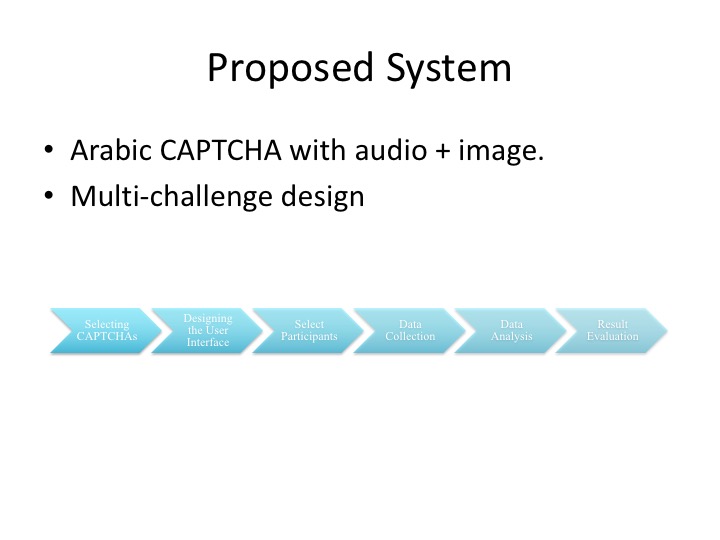
To address these gaps, we propose an interactive Arabic CAPTCHA framework that integrates multiple challenges, combining visual and audio elements to support both security and inclusivity.
|
|
ICACT20260199 Slide.09
[Big slide for presentation]
|
Chrome Text-to-Speach Click!! |
 |
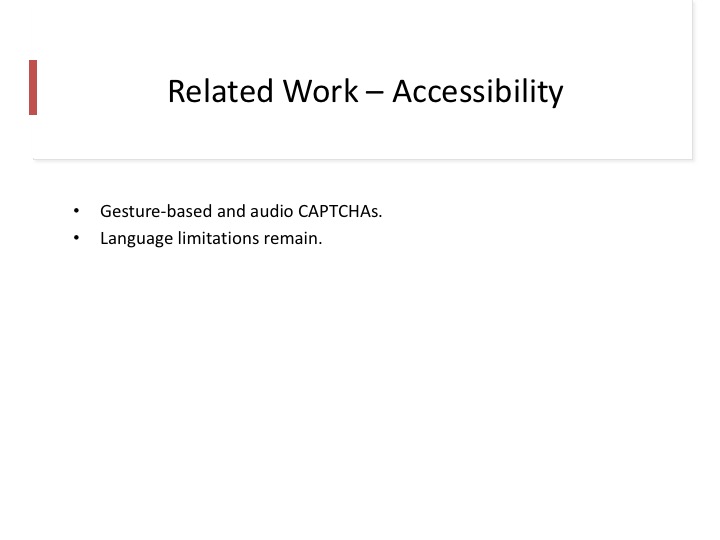
Existing research lacks a unified framework that balances usability, variability, and accessibility. In addition, Arabic CAPTCHA systems are under-studied, particularly with respect to local dialects
|
|
ICACT20260199 Slide.08
[Big slide for presentation]
|
Chrome Text-to-Speach Click!! |
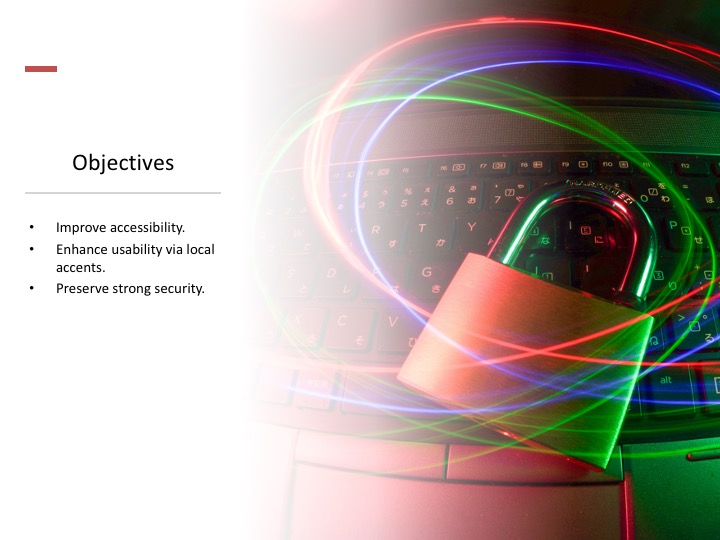 |
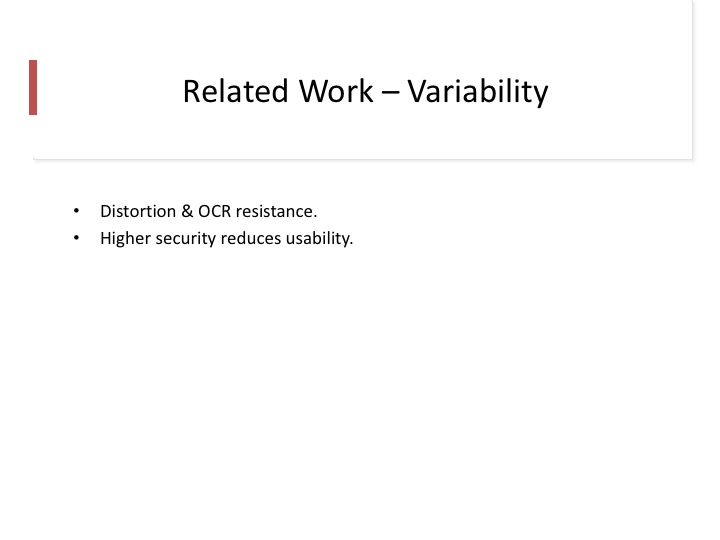
Traditional text and image CAPTCHAs are often inaccessible to visually impaired users. While audio CAPTCHAs exist, they are usually poorly optimized and lack features such as replay or clarity.
|
|
ICACT20260199 Slide.07
[Big slide for presentation]
|
Chrome Text-to-Speach Click!! |
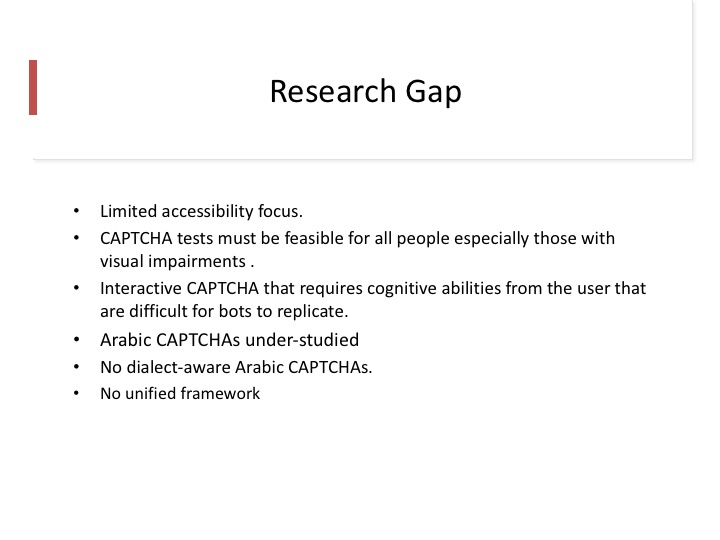 |
Variability, such as distortion and noise, is essential to defend against OCR-based attacks. However, excessive variability can reduce usability, making CAPTCHA challenges frustrating for legitimate users.
|
|
ICACT20260199 Slide.06
[Big slide for presentation]
|
Chrome Text-to-Speach Click!! |
 |
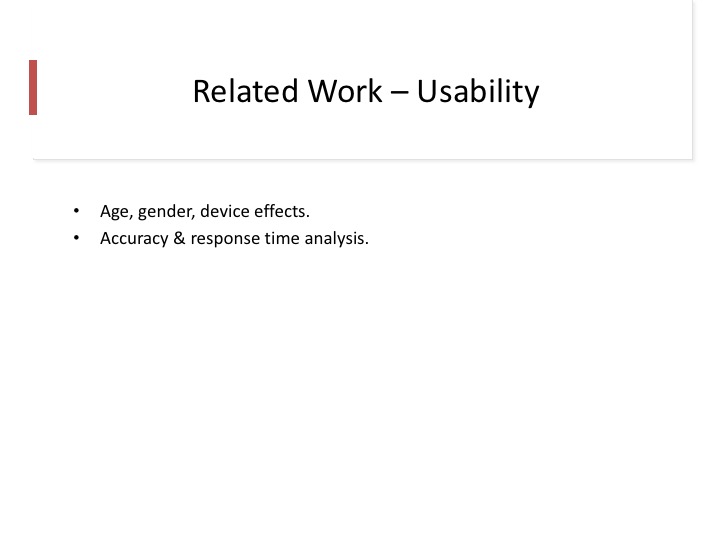
Usability is commonly measured using accuracy and response time. Previous studies show that factors such as age, device type, and distortion significantly affect how easily users can solve CAPTCHA challenges.
|
|
ICACT20260199 Slide.05
[Big slide for presentation]
|
Chrome Text-to-Speach Click!! |
 |
CAPTCHAs generally fall into three main categories: text-based, image-based, and audio-based CAPTCHAs. Each type has advantages but also limitations, particularly when accessibility is considered.
|
|
ICACT20260199 Slide.04
[Big slide for presentation]
|
Chrome Text-to-Speach Click!! |
 |
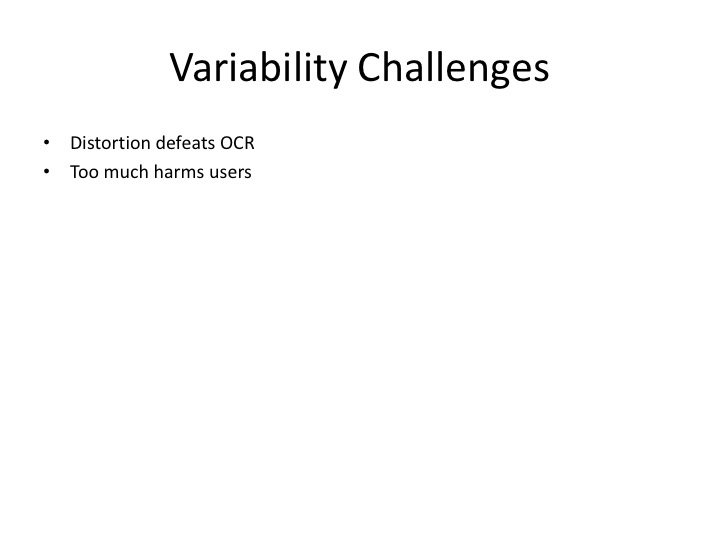
The main objectives of this research are threefold: to improve CAPTCHA usability, enhance robustness against automated attacks, and ensure accessibility for both normal users and users with visual impairments.
|
|
ICACT20260199 Slide.03
[Big slide for presentation]
|
Chrome Text-to-Speach Click!! |
 |
There is a clear trade-off between security and usability in CAPTCHA systems. Increasing distortion improves security but makes challenges harder for humans, especially users with disabilities, such as the visually impaired.
|
|
ICACT20260199 Slide.02
[Big slide for presentation]
|
Chrome Text-to-Speach Click!! |
 |
CAPTCHAs are widely used to protect online services from automated attacks. However, most existing designs focus mainly on security, often at the expense of usability and accessibility, which negatively affects user experience
|
|
ICACT20260199 Slide.01
[Big slide for presentation]
|
Chrome Text-to-Speach Click!! |
 |
Good morning. Today I will present my research titled Building a Framework for Optimal Challenges for Interactive CAPTCHAs. This work focuses on improving CAPTCHA usability, accessibility, and security, with a particular emphasis on Arabic interactive CAPTCHAs
|