ICACT20220380 Slide.17
[Big slide for presentation]
[YouTube]
ICACT20220380 Slide.17
[Big slide for presentation]
[YouTube] |
Chrome Text-to-Speach Click!! Click!! |
 |
Thank you for your attention! The floor is open to QnA. Any question and suggestion are welcome.
|
|
ICACT20220380 Slide.16
[Big slide for presentation]
[YouTube] |
Chrome Text-to-Speach Click!! |
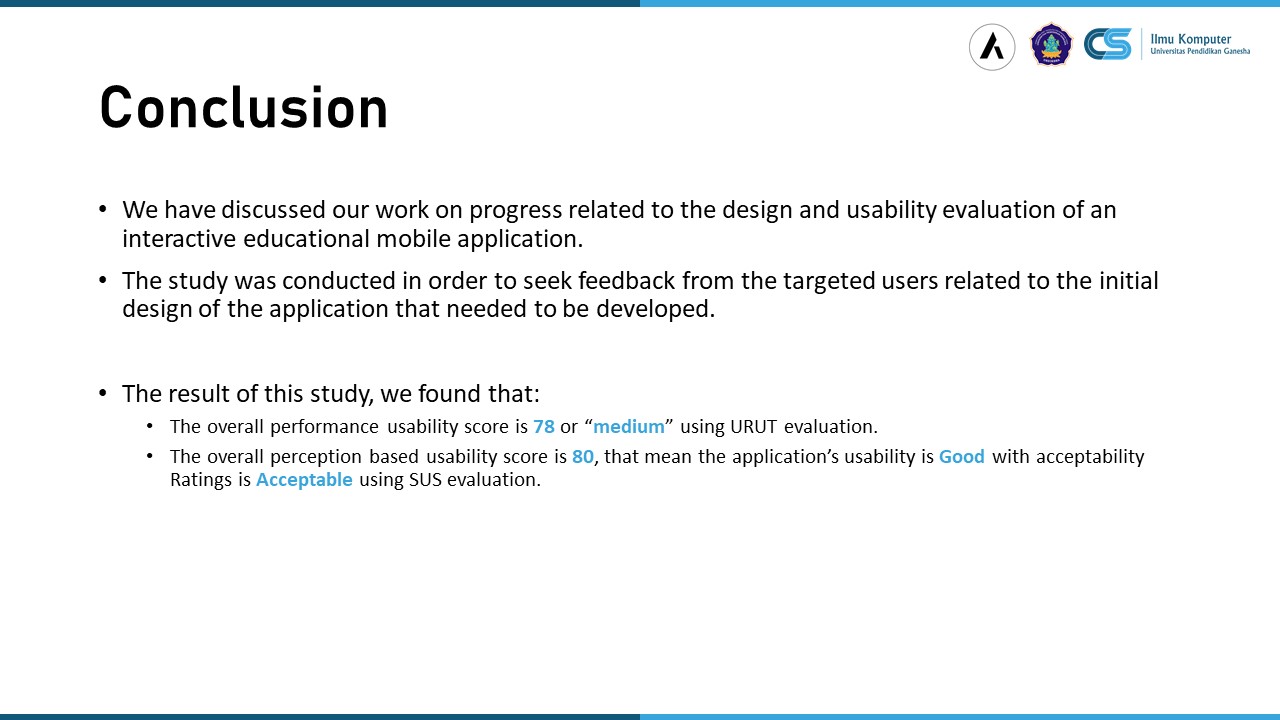 |
We have discussed our work on progress related to the design and usability evaluation of an interactive educational mobile application.
The study was conducted in order to seek feedback from the targeted users related to the initial design of the application that needed to be developed.
The result of this study, we found that: The overall performance usability score is 78 or “medium” using URUT evaluation. The overall perception based usability score is 80, that mean the application’s usability is Good with acceptability Ratings is Acceptable using SUS evaluation.
In the future, we will conduct more usability evaluations on more developed features as we still developing more features to the app.
|
|
ICACT20220380 Slide.15
[Big slide for presentation]
[YouTube] |
Chrome Text-to-Speach Click!! |
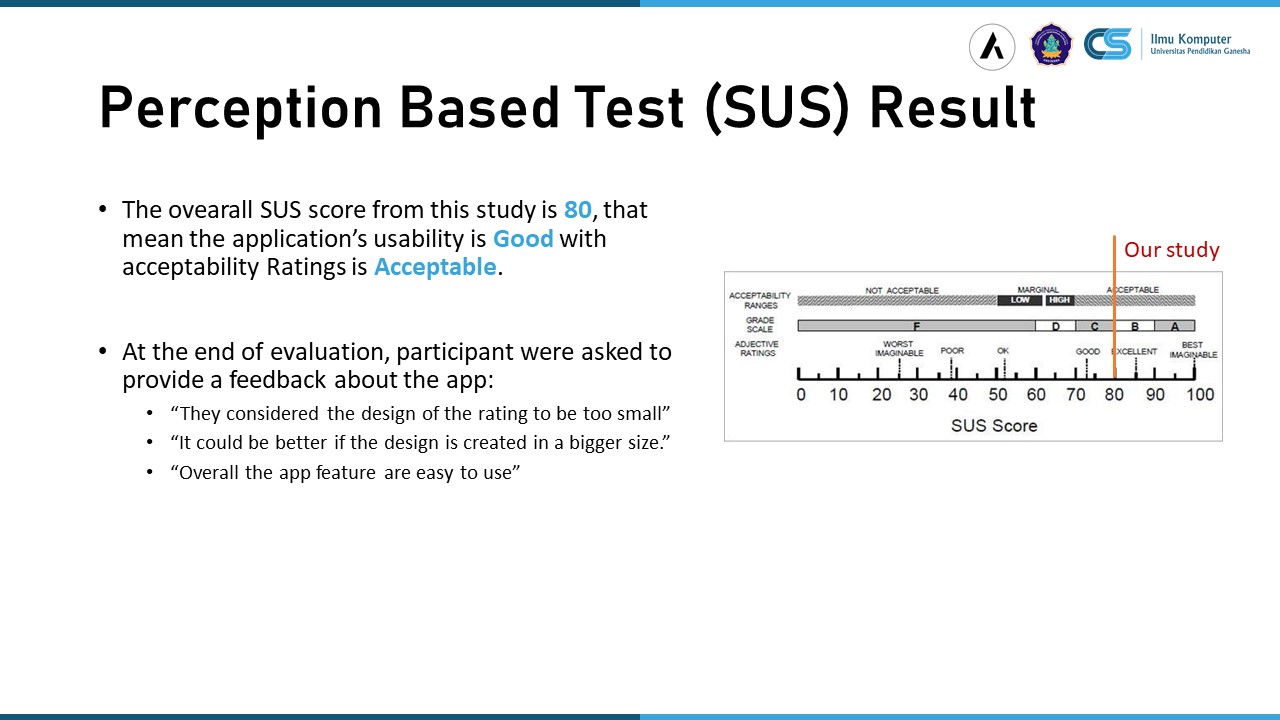 |
The overall SUS score is 80 or Good in the SUS score range. The feedback that we could capture from the users mainly about the rating system that too small, but the overall app user are relatively easy to use. The verdict od the SUS evaluation is “Acceptable”.
|
|
ICACT20220380 Slide.14
[Big slide for presentation]
[YouTube] |
Chrome Text-to-Speach Click!! |
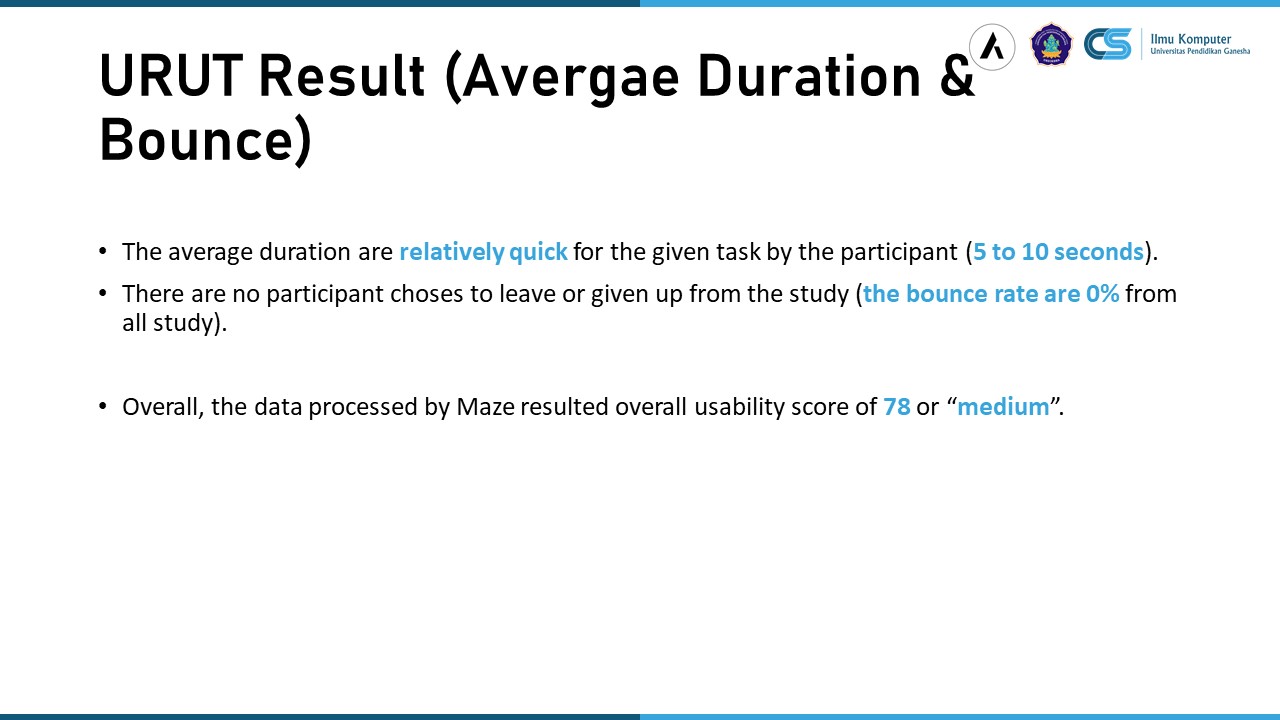 |
The average duration are relatively quick for the given task by the participant
Shown that user could finish the task averages between 5 to 10 seconds to all given tasks. And the bounce rate of all given tasks are 0%.
Overall, the performance evaluation score are 78 or medium produced by Maze.
|
|
ICACT20220380 Slide.13
[Big slide for presentation]
[YouTube] |
Chrome Text-to-Speach Click!! |
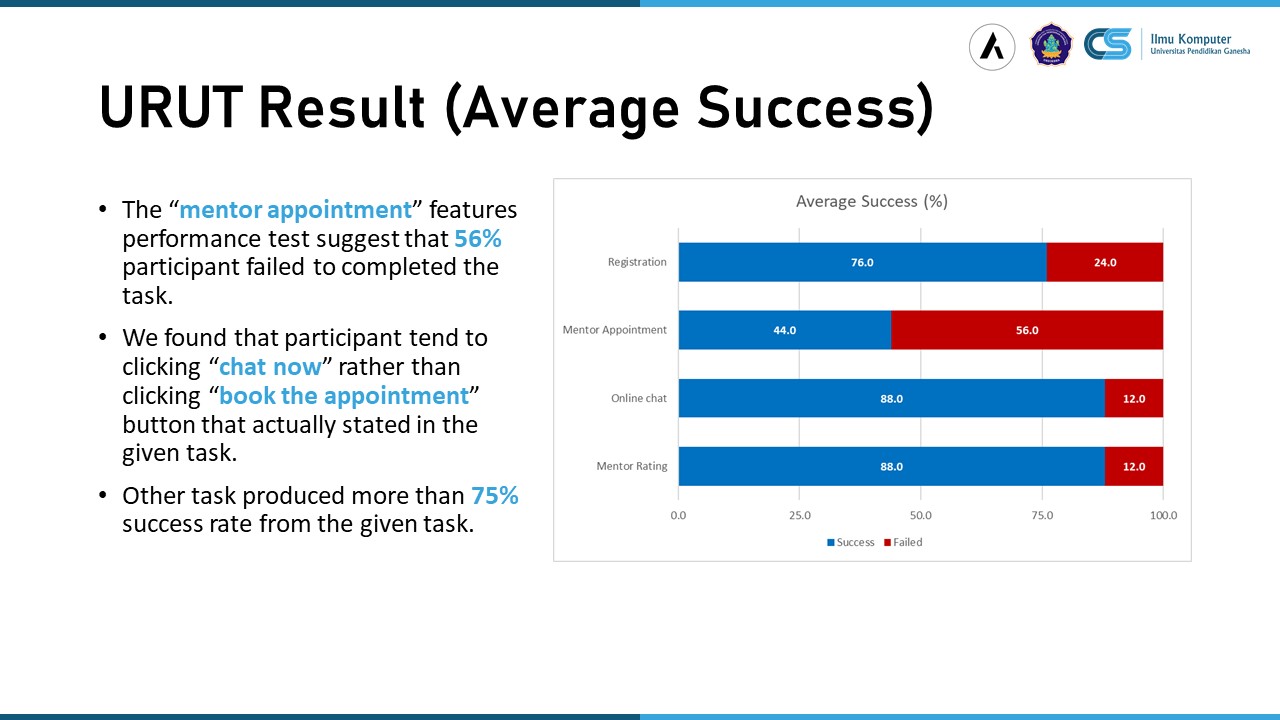 |
In the success rate evaluation, we found that the “mentor evaluation” feature has the highest failed rate of 56%. We found that participant tend to clicking “chat now” rather than clicking “book the appointment” button that actually stated in the given task. Other features shon more than 75% success rate.
|
|
ICACT20220380 Slide.12
[Big slide for presentation]
[YouTube] |
Chrome Text-to-Speach Click!! |
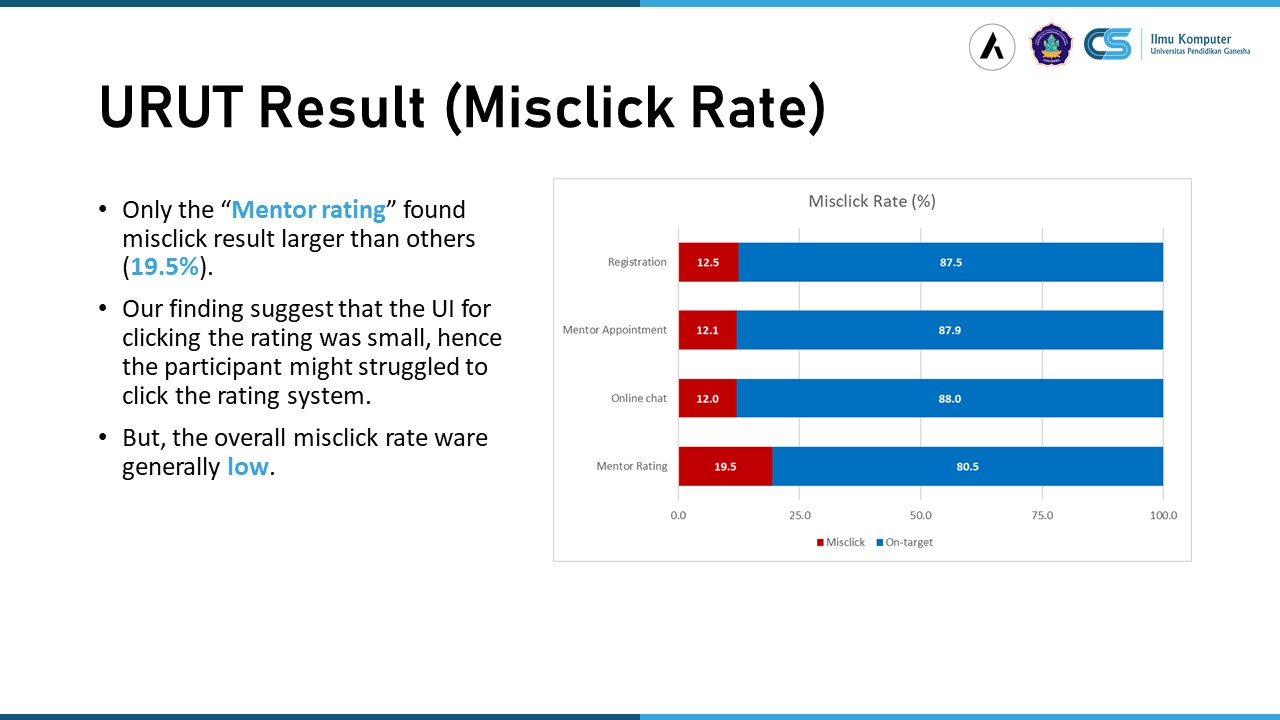 |
The result of the performance evaluation on the misclick rate shown that overall of misclick rate were relatively low. Only one feature, the “mentor rating” task found that the misclick were larger the other feature. Our finding suggest that the UI for clicking the rating was relatively small, that the participant might struggled to click the stared rating system.
|
|
ICACT20220380 Slide.11
[Big slide for presentation]
[YouTube] |
Chrome Text-to-Speach Click!! |
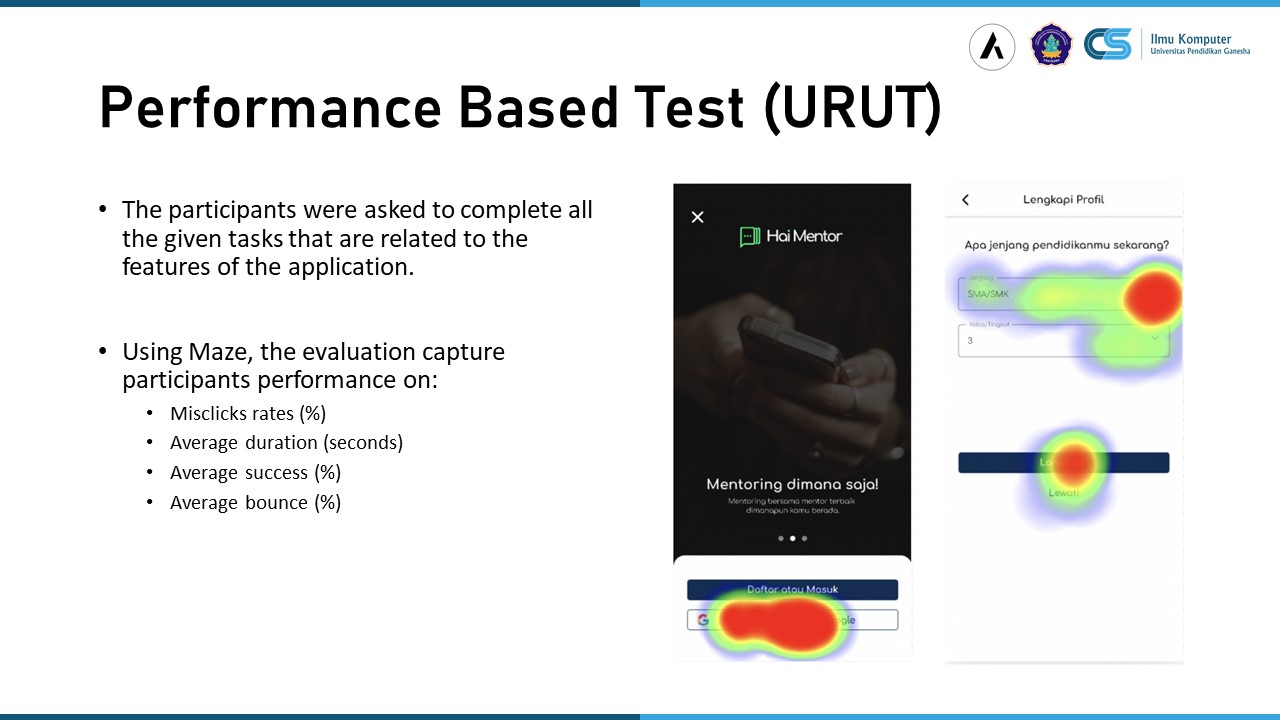 |
In the performance based evaluation, we ask participant to complete all task related to the four features that we shown before. Using Maze, we capture user performance on misclick rate, duration, success rate, and user bounce of the given tasks.
|
|
ICACT20220380 Slide.10
[Big slide for presentation]
[YouTube] |
Chrome Text-to-Speach Click!! |
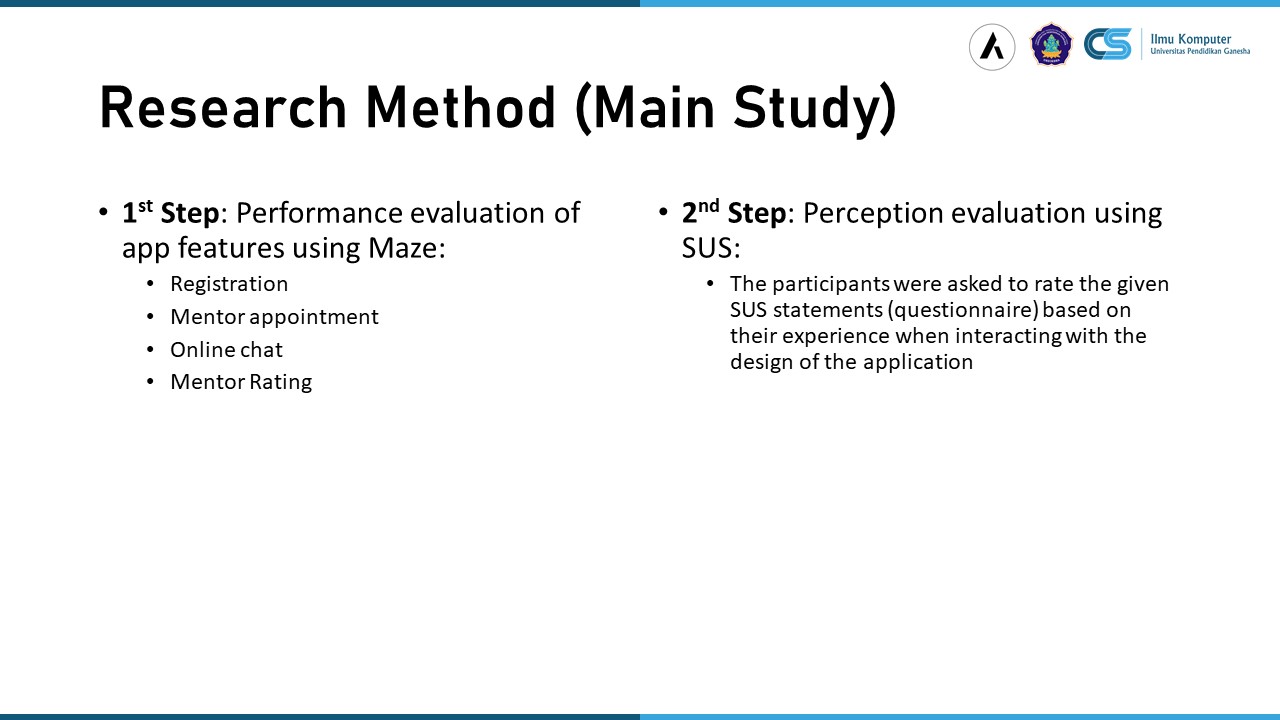 |
The main study was conducted with two main step, namely performance evaluation and user perception evaluation.
The performance evaluation was conducted using Maze to capture users performance on four features, namely Registration, Mentor Appointment, Online Chat, and Mentor Rating.
The second step, user perception evaluation, the participants were asked to rate the given SUS statements (questionnaire) based on their experience when interacting with the design of the application right after step one were conducted.
|
|
ICACT20220380 Slide.09
[Big slide for presentation]
[YouTube] |
Chrome Text-to-Speach Click!! |
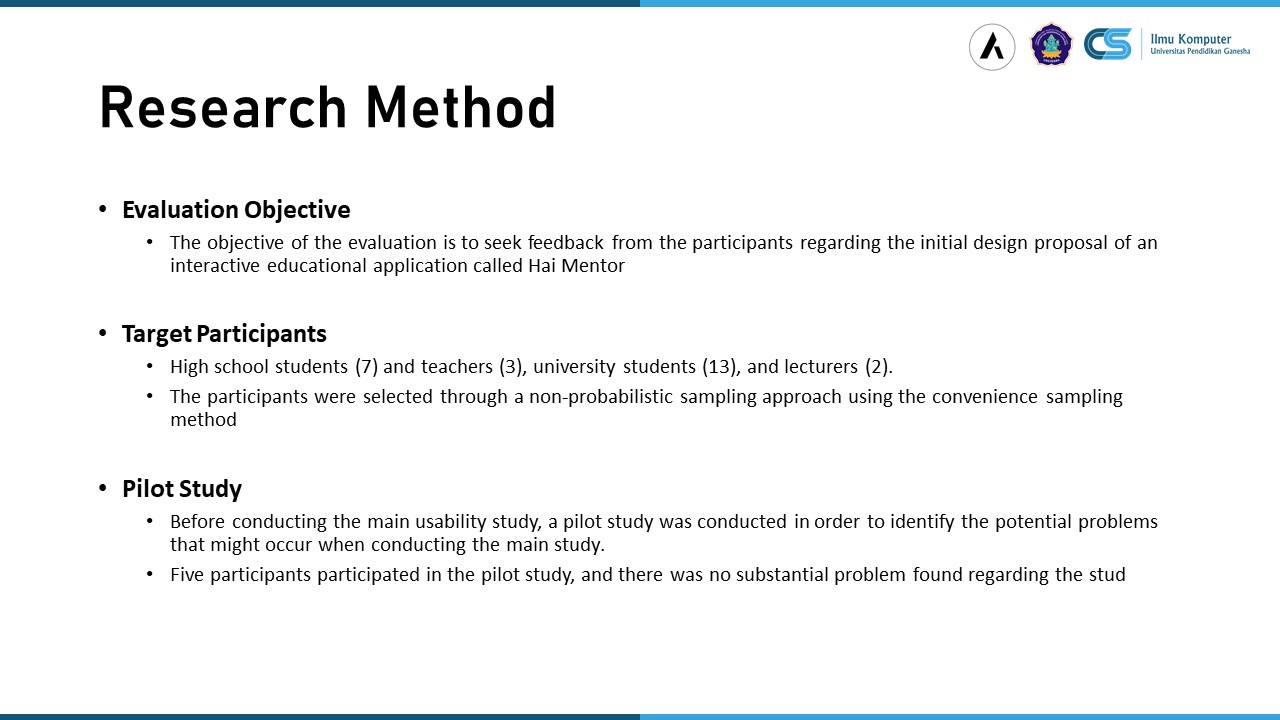 |
The objective of this research is to seek feedback from the participants regarding the initial design proposal of an interactive educational application called Hai Mentor. The participants of this study are High school students (7) and teachers (3), university students (13), and lecturers (2) that selected by a non-probabilistic sampling approach using the convenience sampling method.
Pilot study was conducted by five participant in order to identify the potential problems when using the app.
|
|
ICACT20220380 Slide.08
[Big slide for presentation]
[YouTube] |
Chrome Text-to-Speach Click!! |
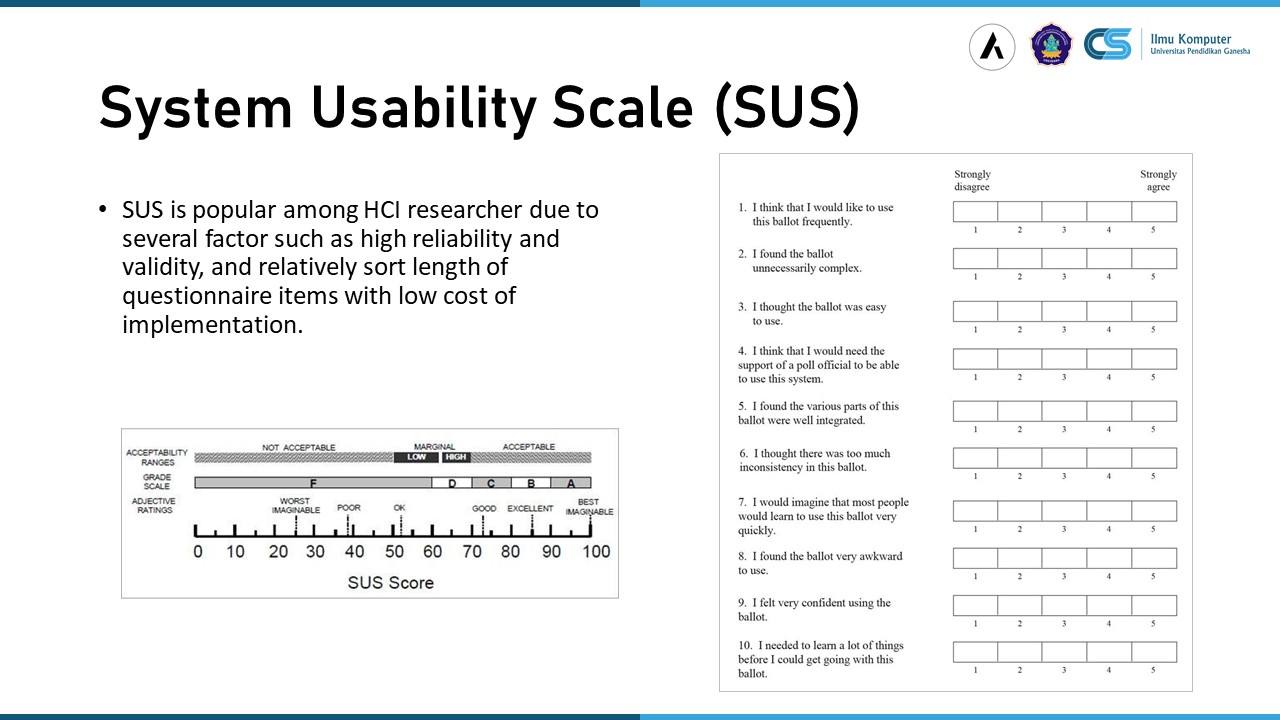 |
The SUS is a popular ten items questionnaire that can be used by the researcher to evaluate perception of user after using the app. This evaluation method can capture user perception relatively easy and cost effective.
|
|
ICACT20220380 Slide.07
[Big slide for presentation]
[YouTube] |
Chrome Text-to-Speach Click!! |
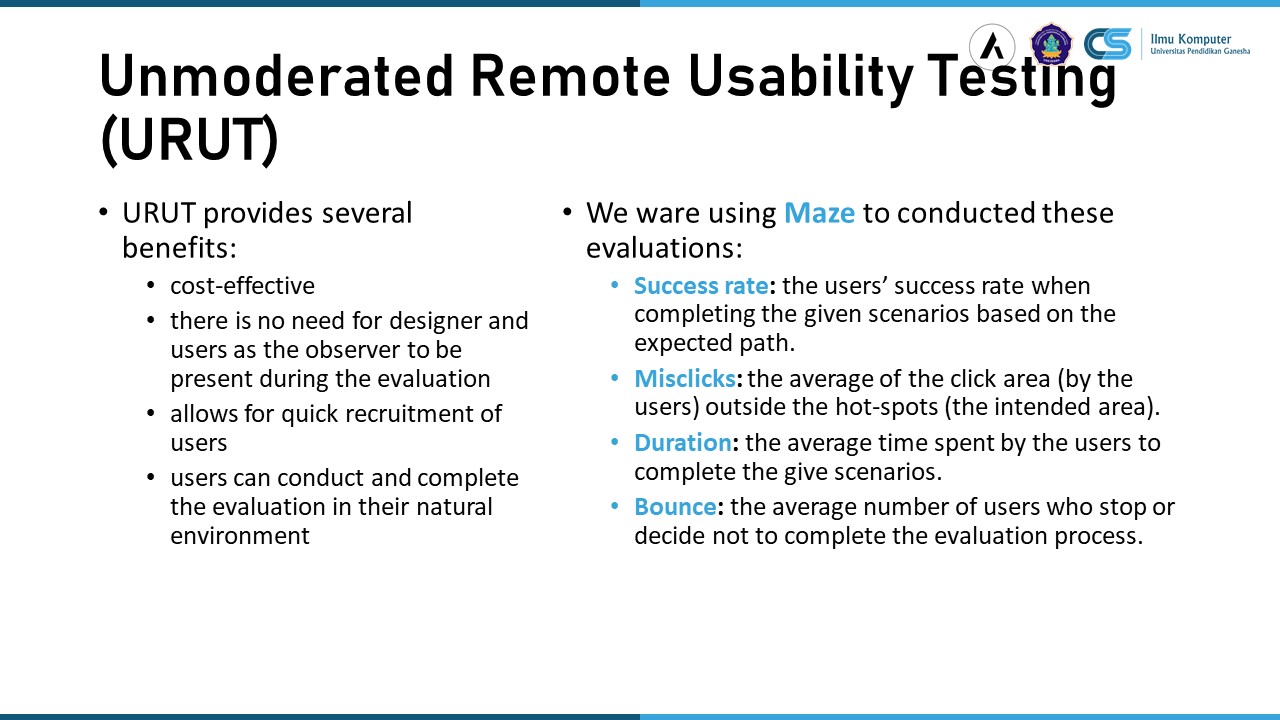 |
As I mention before, URUT were chosen because of the COVID-19 condition that we were unable to bring together the participants and the evaluator. URUT have several advantages, namely:
cost-effective, there is no need for designer and users as the observer to be present during the evaluation, allows for quick recruitment of users, users can conduct and complete the evaluation in their natural environment.
We ware using using Maze to evaluate user performance when using the app. The evaluation that we measure are:
Success rate: the users’ success rate when completing the given scenarios based on the expected path.
Misclicks: the average of the click area (by the users) outside the hot-spots (the intended area).
Duration: the average time spent by the users to complete the give scenarios.
Bounce: the average number of users who stop or decide not to complete the evaluation process.
|
|
ICACT20220380 Slide.06
[Big slide for presentation]
[YouTube] |
Chrome Text-to-Speach Click!! |
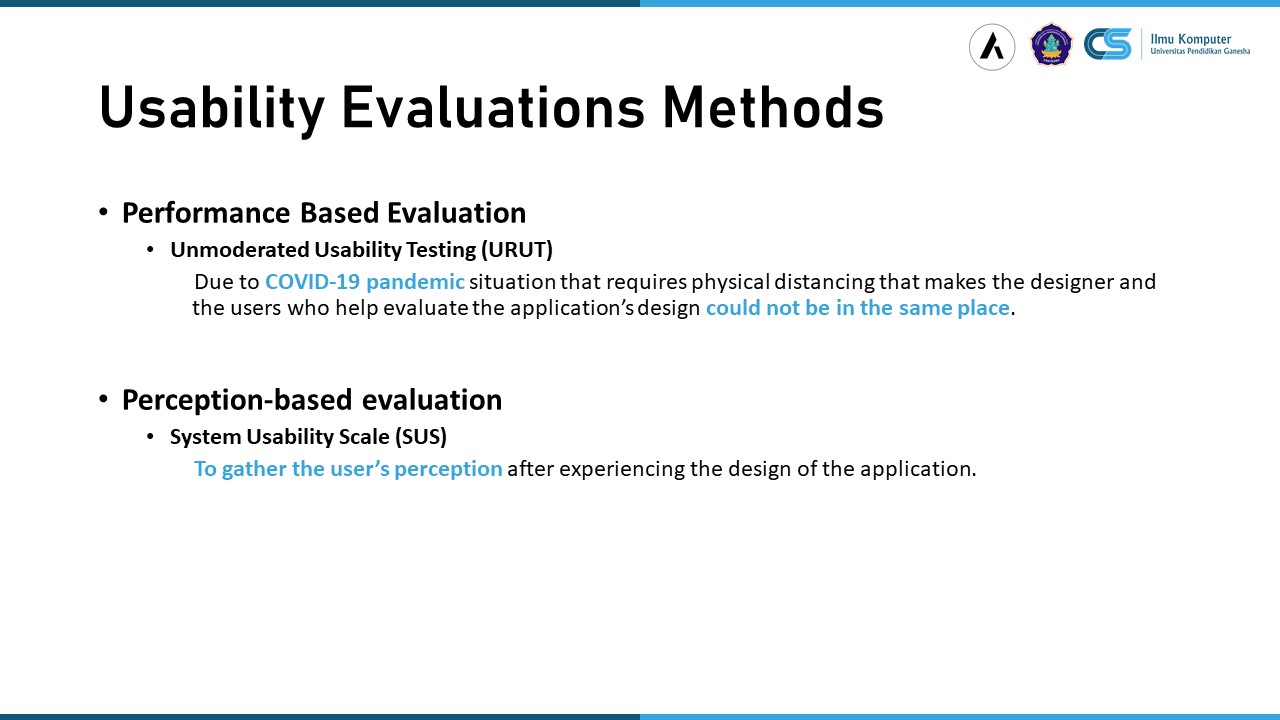 |
The usability evaluation methods that used in this study were Unmoderated Usability Testing (URUT) and System Usability Scale (SUS). These two methods are widely used to evaluate usability of a software or application with good performance, accuracy, and inexpensive. URUT especially chosen because the COVID-19 pandemic required social distancing mandated by the government. And SUS chosen because of easy to use and inexpensive.
|
|
ICACT20220380 Slide.05
[Big slide for presentation]
[YouTube] |
Chrome Text-to-Speach Click!! |
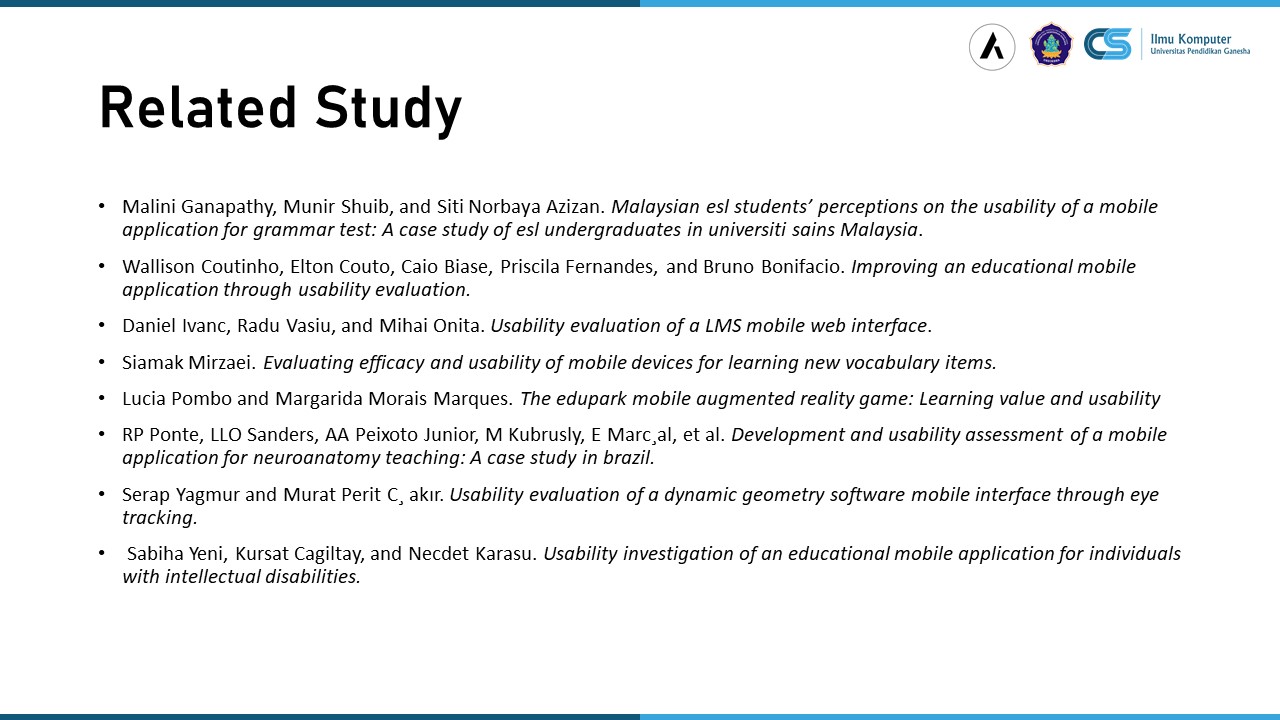 |
Some works have been done related to the usability evaluation of mobile educational applications, such as reported in the publication shown in the slide.
For example, Shibaha Yeni discuss the usability evaluation of an interactive mobile application that is designed to teach daily living skills to users with intellectual disabilities (ID).
Wallison Coutinho , presented the work related to the evaluation of a mobile educational application in order to improve the current design of the application. The findings of the study show that it is important to identify usability issues and improve the mobile application user interface design and learnability aspects.
in general, the usability evaluation of a mobile application, including the application used in the educational domain, is important to help identify usability issues and gather feedback from the users to improve the current design of the application.
|
|
ICACT20220380 Slide.04
[Big slide for presentation]
[YouTube] |
Chrome Text-to-Speach Click!! |
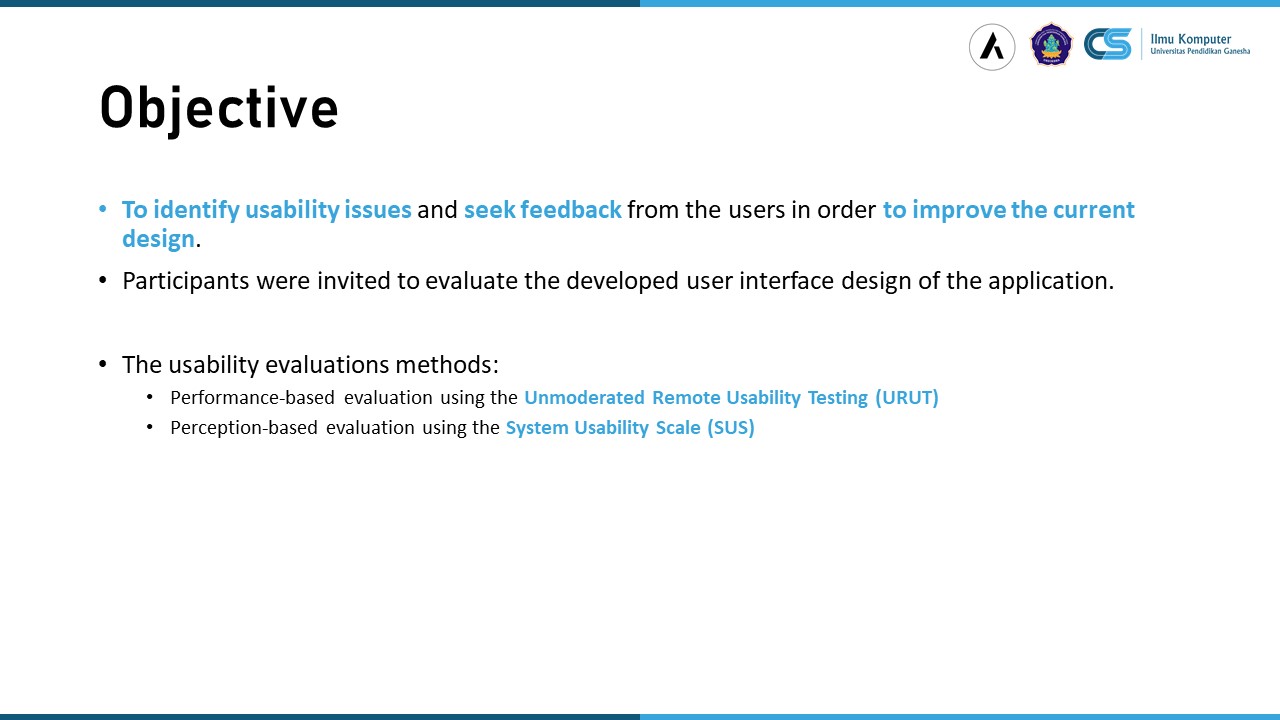 |
The objective of the usability evaluation is to identify usability issues and seek feedback from the users in order to improve the current design.
In the usability evaluation process, the participants were invited to evaluate the developed user interface design of the application.
We ware using two main usability evaluation methods, namely:
Unmoderated Remote Usability Testing (URUT) to evaluate user performance and
System Usability Scale (SUS) to evaluate user perception when using the app.
|
|
ICACT20220380 Slide.03
[Big slide for presentation]
[YouTube] |
Chrome Text-to-Speach Click!! |
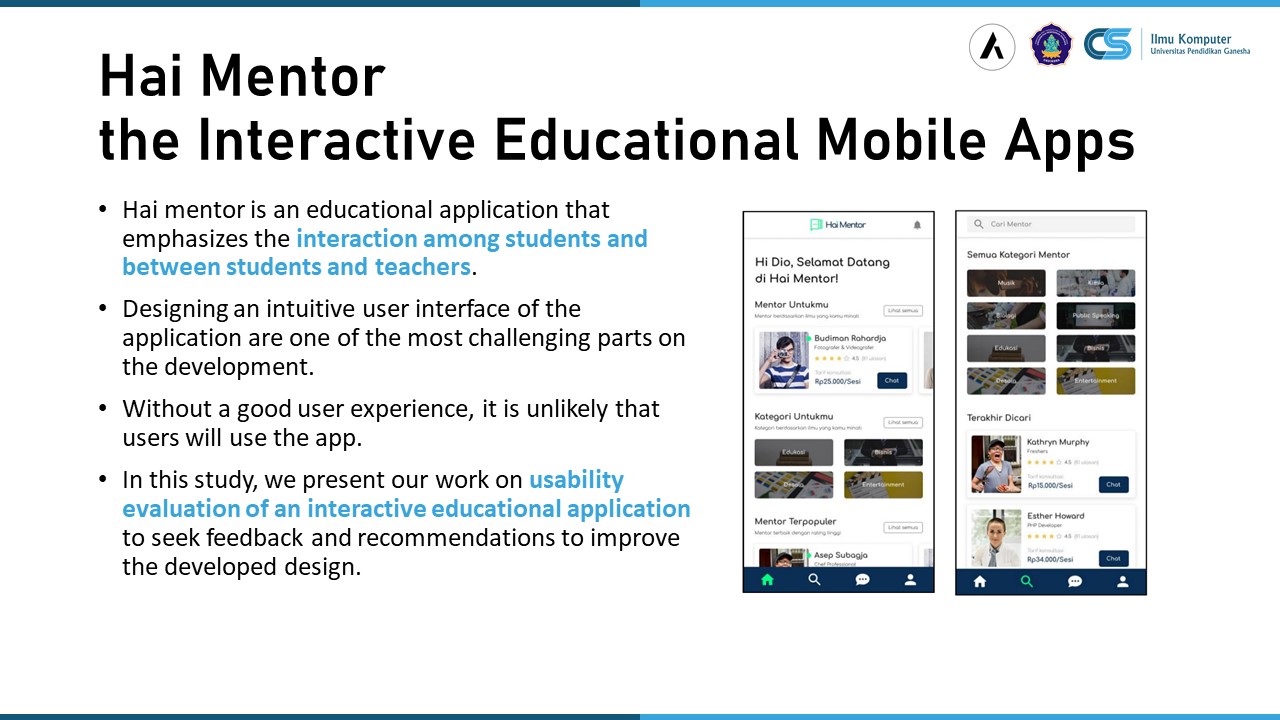 |
An interactive Educational (mobile) Application is an educational application that emphasizes the interaction among students and between students and teachers. We call this particular app as Hai Mentor that co-develop by Undiksha and Axterium Indonesia.
In the development of such applications, one of the challenging parts is designing an intuitive user interface to help ensure the usability of the application.
Without a good user experience, it is unlikely that users will use the developed software or application.
In this study, we present our work on usability evaluation of an interactive educational application to seek feedback and recommendations to improve the developed design.
|
|
ICACT20220380 Slide.02
[Big slide for presentation]
[YouTube] |
Chrome Text-to-Speach Click!! |
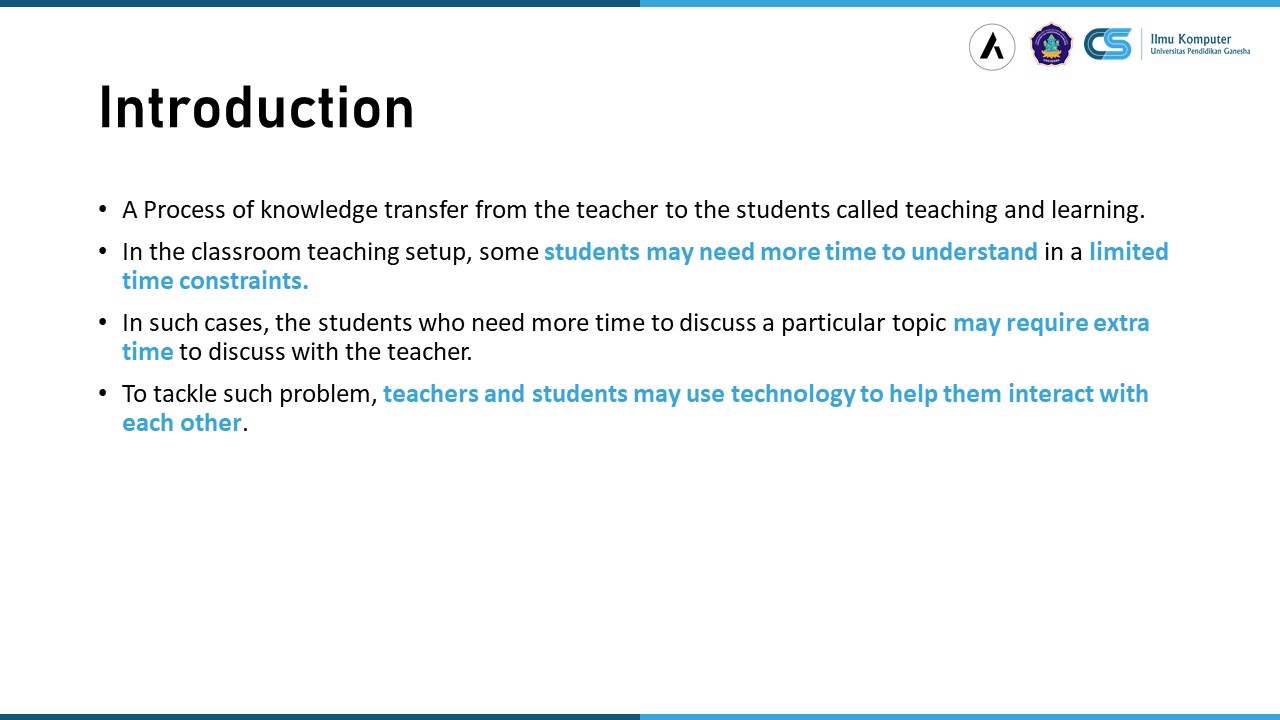 |
Teaching and learning can be seen as a process of knowledge transfer from the teacher to the students.
It can also be seen as an active activity where the students as the learner and the teacher as instructor or facilitator discuss and exchange ideas about a particular subject.
In the learning process, some students may need more time to understand and process a particular topic. But in the in a classroom teaching set-up, the teaching and learning process is limited by time constraints, i.e., classroom meeting duration.
In such cases, the students who need more time to discuss a particular topic may require extra time to discuss with the teacher.
To tackle such problem, teachers and students may use technology to help them interact with each other.
|
|
ICACT20220380 Slide.01
[Big slide for presentation]
[YouTube] |
Chrome Text-to-Speach Click!! |
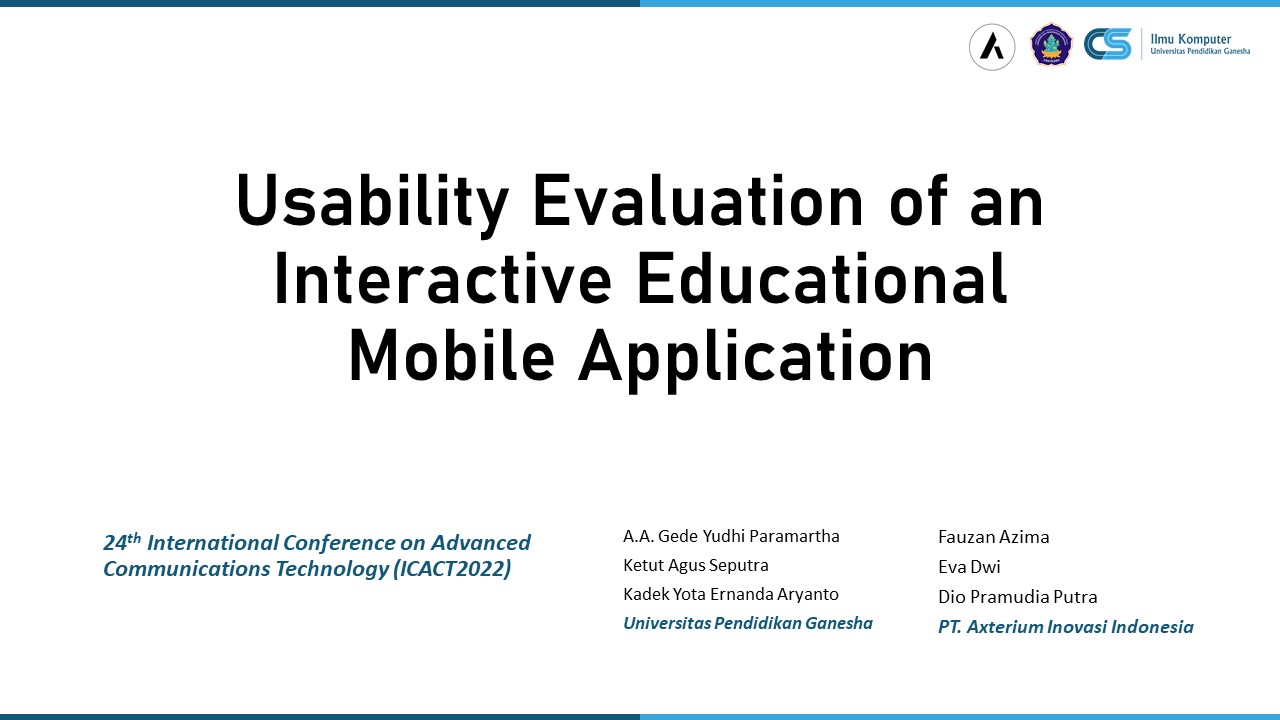 |
Hai everybody, my name is Yudhi Paramartha. Today will talk about Usability Evaluation of an Interactive Educational Mobile Application named Hai Mentor. This study were conducted by the cooperation between Universitas Pendidikan Ganesha and PT. Axterium Inovasi Indonesia.
|